Meet ShieldCall
Caller ID, spam protection and private chat in one app, made for India.
ShieldCall
ShieldCall tells you who is calling before you answer, blocks spam and scam calls, and keeps your conversations private with end-to-end encrypted chat and video calls. Made for India.
ShieldCall is in early access on Google Play. Write to us and we will send you an invite.
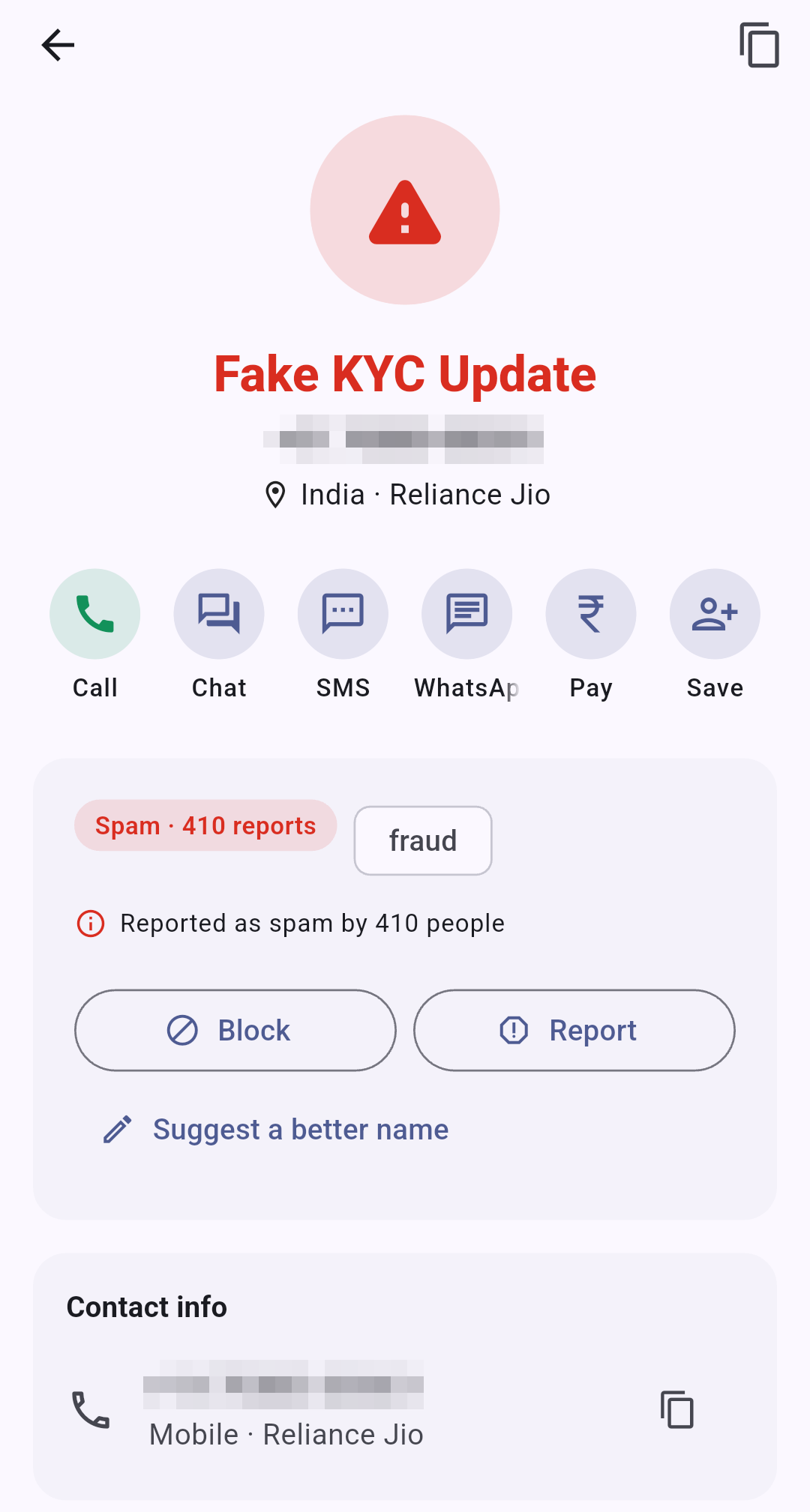
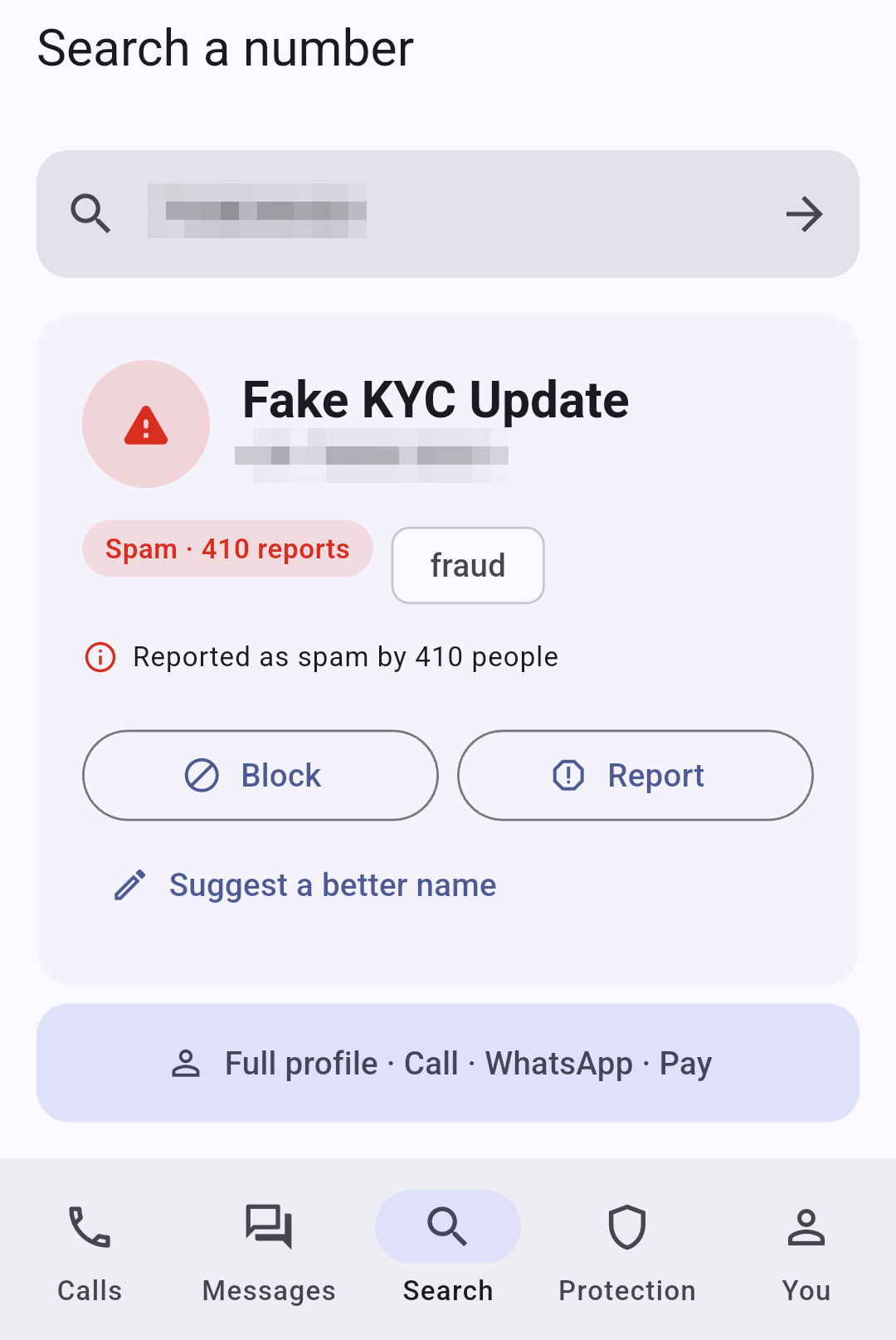
See the caller's name and a spam score before you pick up, built from reports by people like you.
The name of unknown callers shows on your screen while the phone rings.
See who a number belongs to, its spam score and what others reported.
After a call from an unknown number, mark it safe, report spam or save the contact in one tap.
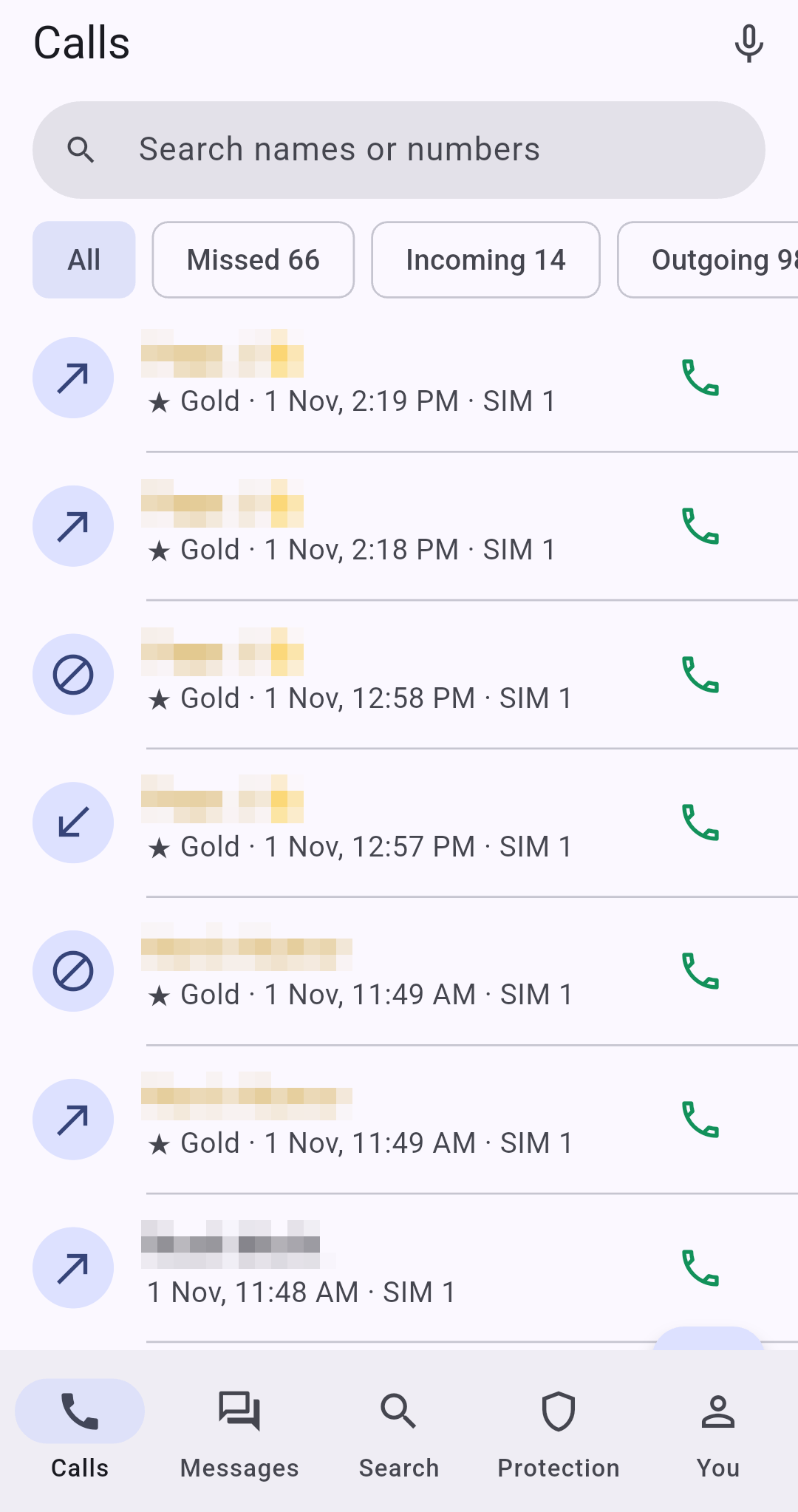
A full dialer and call screen that shows which SIM each call is on, with filters for missed, blocked and spam calls.
Names from an offline list when you have no data.
Send a one-tap text reply to a call you cannot take.
Call counts, an 8-week chart and how a number's spam score has changed.
Add a note to a call and get reminded to call back.
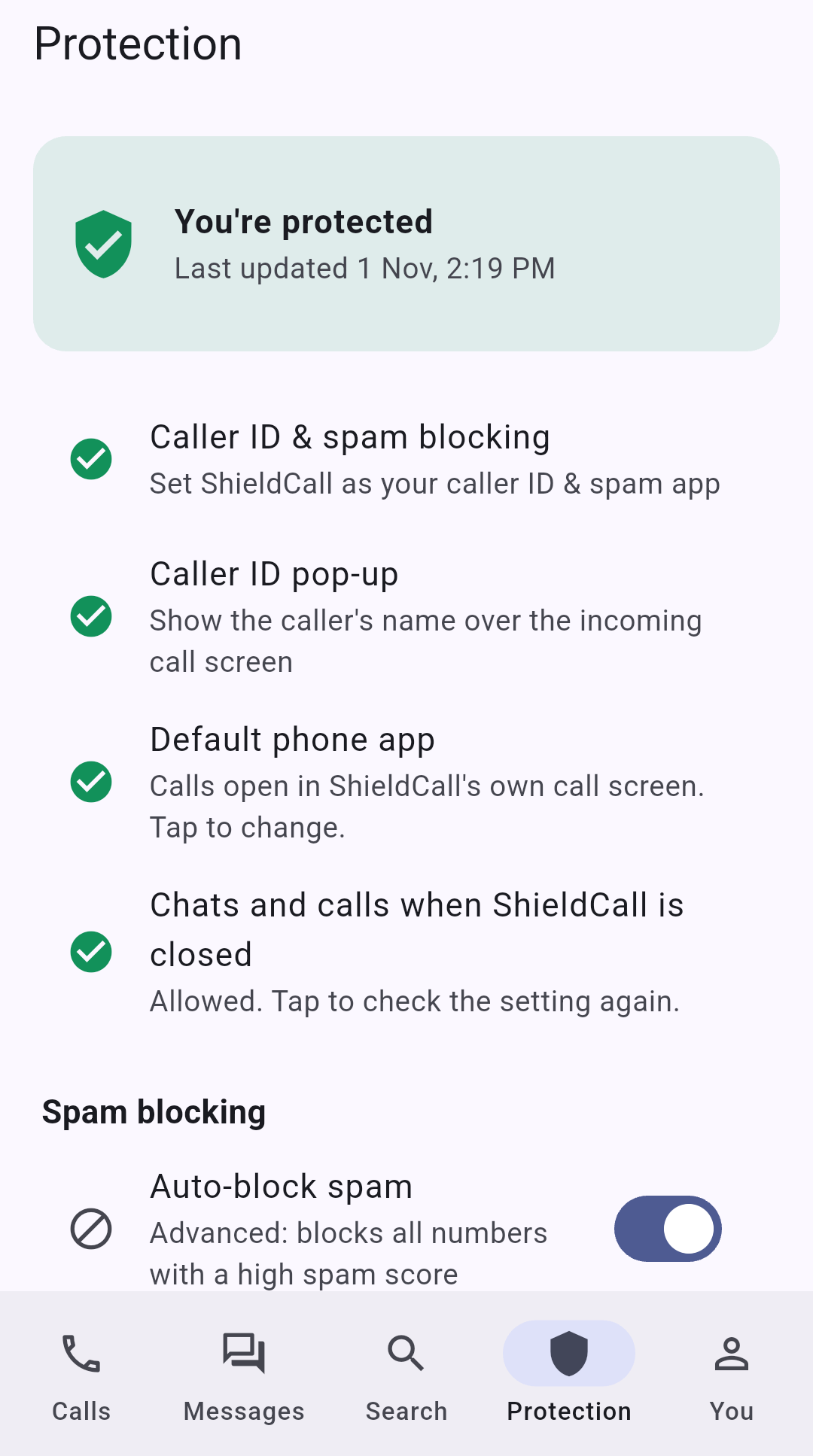
Turn on Auto-block and high-score spam numbers never ring. Every blocked call is logged, so you stay in control.
Blocks the top spammers and calls your mobile network has labelled as spam.
Block by number, caller name, SMS sender, country code or number series, plus a switch for 140-series telemarketers.
When several unknown numbers ring one after another, ShieldCall holds them back. A caller who tries again within 5 minutes always rings.
A short evening summary of what ShieldCall stopped for you, and a home-screen widget.
Covers far more spam numbers.
Block hidden, foreign, unknown or business callers. Your saved contacts always get through.
Protection built around the scams that target people in India. All of it is free.
A full-screen "Never share this code" warning when an OTP arrives while you are on a call with a number not in your contacts.
The call banner turns red for unknown callers posing as police, CBI, customs, TRAI or a courier, with a warning if the call runs long.
Links in SMS and chats are labelled Safe, Unverified, Suspicious or Dangerous, checked on your phone. Risky links ask before opening.
This week compared with last week, a bar for each day, and a button to share it.
Make ShieldCall your SMS app and every message lands in its own place, with scam messages kept apart.
Personal, OTP, Bank, Bills, Offers, Scam and Blocked tabs.
Reply, mark as read or copy the OTP straight from the notification.
A reminder at 9 AM the day before a bill is due.
Trains and flights with a reminder before departure, deliveries and bank balances shown as clear cards.
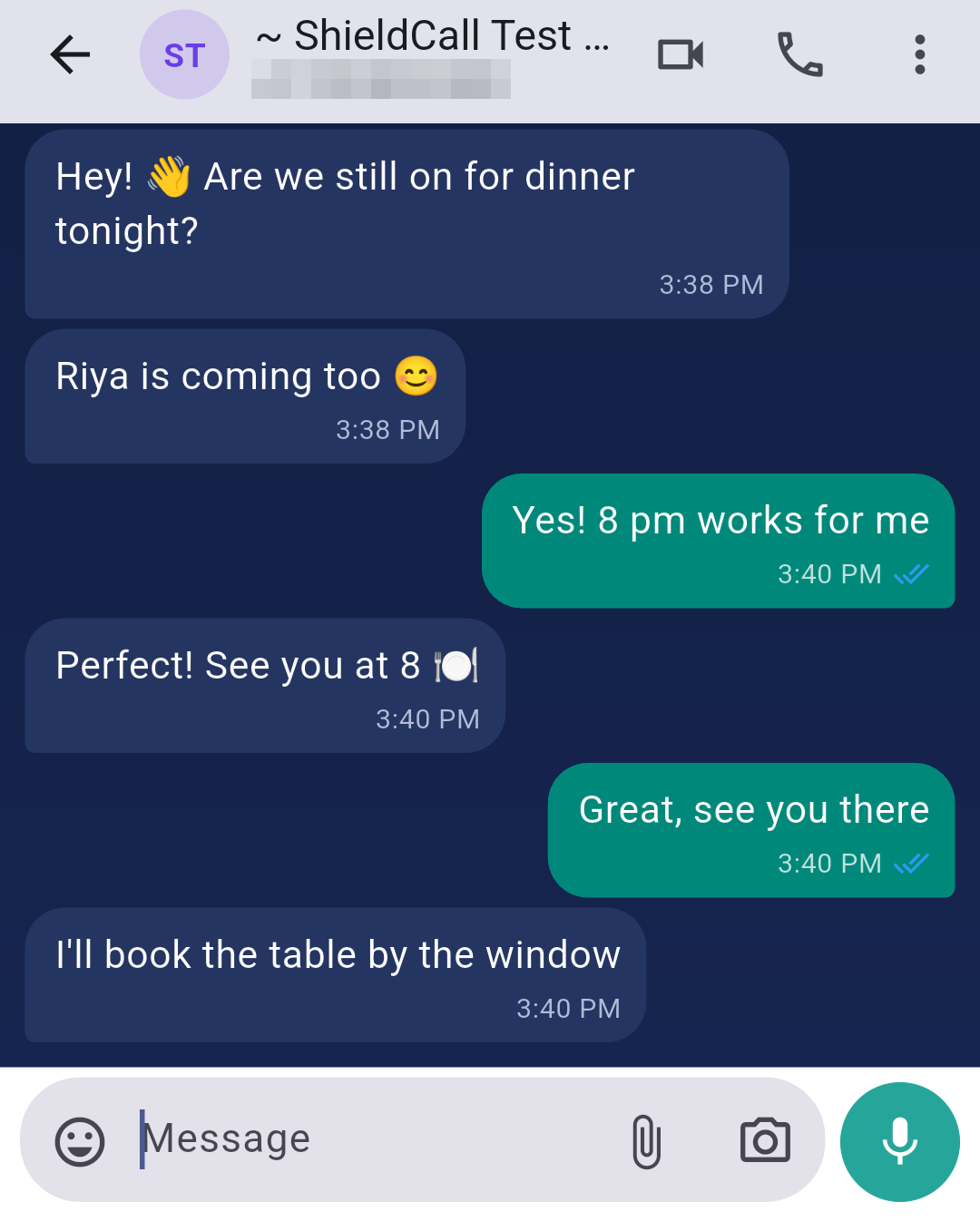
ShieldCall is also a messenger. Everything you send is end-to-end encrypted, on every plan.
Messages, photos, videos, documents, voice notes, contacts and locations. Verify the encryption with a safety code.
Groups of up to 32 people, with reactions using any emoji, polls and scheduled messages.
Share your current or live location for 15 minutes, 1 hour or 8 hours.
Phone-to-phone video calls, and group video calls of up to 4 people.
Star the messages that matter, pin up to 3 chats, and delete for everyone within 48 hours.
Messages that remove themselves after 24 hours, 7 days or 90 days.
Fix a message within 15 minutes of sending it.
Back up your messages to Google Drive, protected by your own password.
Choose how ShieldCall looks, from ShieldCall Blue to Royal Gold.
ShieldCall Blue and Graphite are free. Ocean, Sunrise, Forest and Rose come with Premium, Midnight and Royal Gold with Gold.
Pick the icon on your home screen and the look of your incoming-call screen.
Classic is free, with eleven more in Premium and six Gold themes.
Main screens and safety warnings in English, Hindi, Bengali, Tamil, Telugu, Marathi, Gujarati and Kannada.
Extras for people who want to stand out or stay private.
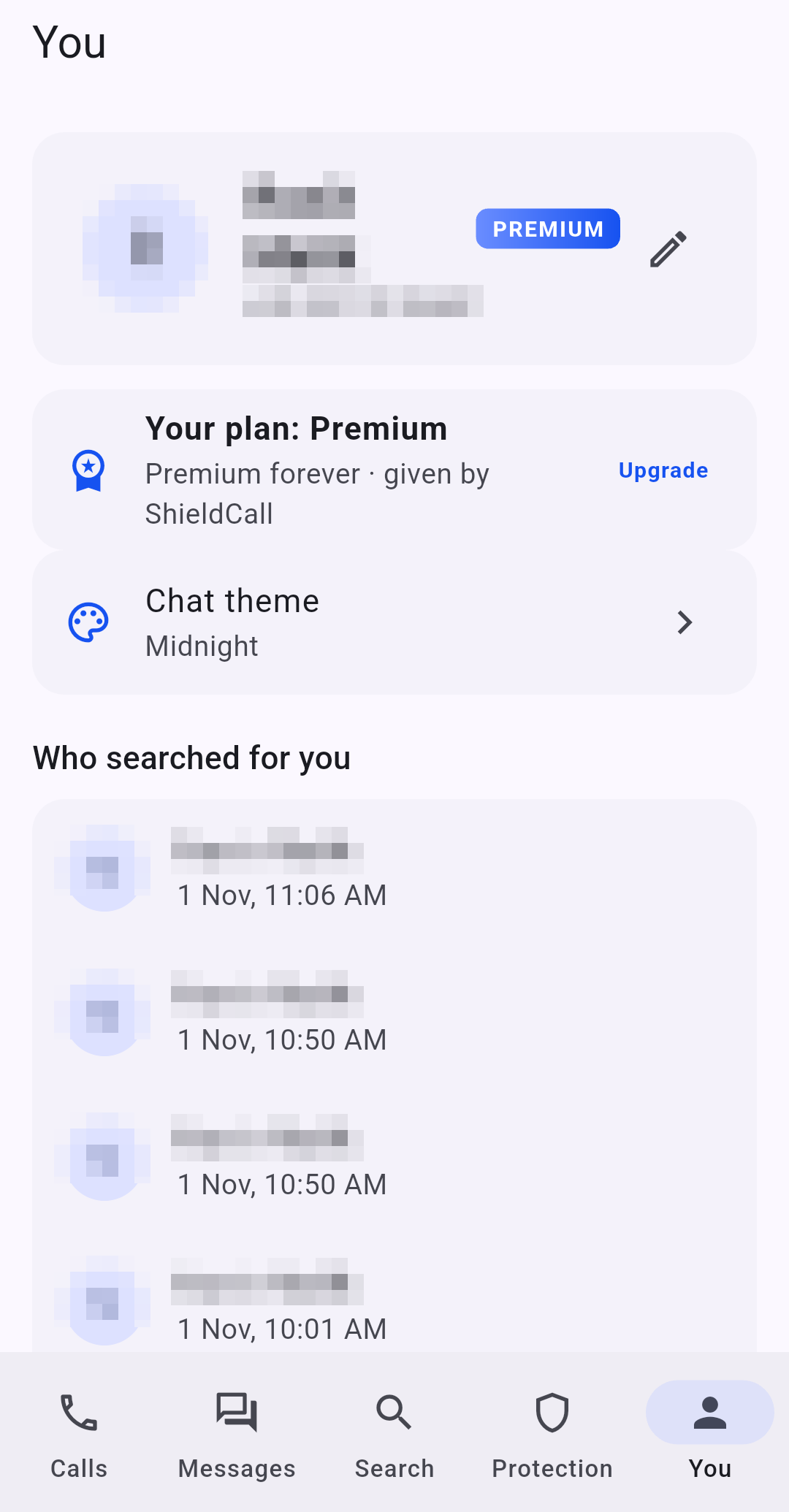
The count is free. Premium shows the names.
Look up numbers without appearing in their list.
Others see your name in gold, and your calls show as a priority call from a Gold member.
At night only your contacts and favourites ring. Other calls are silenced but can still be answered.
See who opened your profile.
Chat with the ShieldCall team, end-to-end encrypted.
Let customers know it is really you calling.
Your calls show a green "Verified business" mark with your category on the call screen, in search and on your profile. Sold separately after a document check. Write to us to apply.
A caller ID app should protect your data, not trade it.
ShieldCall has no ads, and we do not sell your personal data.
Sharing your contacts is optional, needs your separate agreement, and can be undone at any time.
SMS content, OTPs, bills and your call log are never uploaded.
Search history is deleted after 30 days. Delete your account and data at any time from the app.
Read how ShieldCall helps with each of these.
Start free, with caller ID, spam blocking and encrypted chat included. Upgrade to Premium or Gold when you want more.
Everything you need to know who is calling and stay safe.
Stronger blocking, more privacy and smarter messages.
Everything in Premium, plus the gold touch.
Premium and Gold are subscriptions bought through Google Play. The price is shown in the app before you pay, and you can cancel in Google Play at any time; the plan runs until the end of the paid period.
Yes. Caller ID, spam blocking, scam protection and encrypted chat are free. Premium and Gold add more, and you can upgrade from inside the app whenever you want.
Android phones running Android 10 or above.
Names and spam scores come from a directory built from reports and suggestions by ShieldCall users, together with spam labels from your mobile network and your own block list.
Only if you separately agree to help identify callers. It is optional, and you can delete the contacts you shared at any time.
No. Chats, photos, files, voice notes and video calls are end-to-end encrypted between the phones taking part.
No. The app has no ads, and we do not sell your personal data.
Every member has an invite code. When a new member enters your code within 7 days of joining, you both get 30 days of Premium.
Cancel in Google Play at any time. Your plan stays active until the end of the period you paid for, then your account returns to Free.
English, Hindi, Bengali, Tamil, Telugu, Marathi, Gujarati and Kannada. The main tabs, safety settings and scam warnings are translated; some other screens are in English for now.
ShieldCall is in early access on Google Play. Write to us and we will send you an invite.